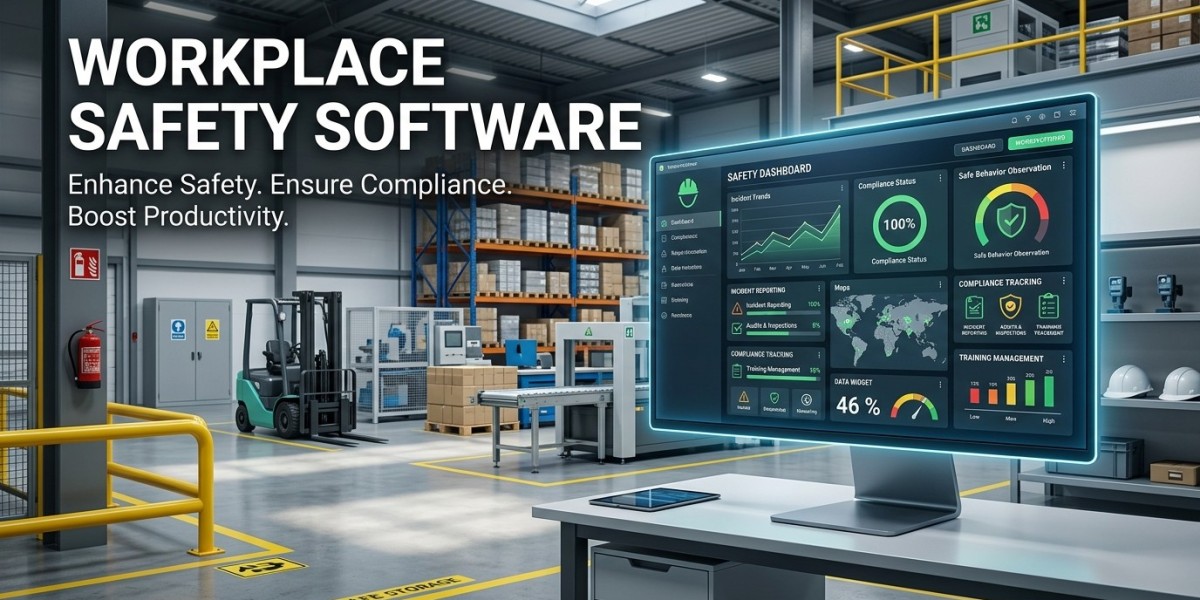

Safety teams often need to make decisions while they are away from their desks. A supervisor may notice a hazard on the production floor, a worker may need to report an incident from a remote location, or an inspector may need to complete a checklist during a site visit. Workplace Safety Software can give these teams a practical way to record, manage, and follow up on safety activities through connected digital tools. When the system supports mobile access, businesses can move safety information from the workplace to the people responsible for reviewing and acting on it without relying heavily on paper forms or delayed data entry.
What Is Workplace Safety Software
Workplace Safety Software is a digital system designed to help organizations manage different workplace health and safety activities from a centralized platform.
Depending on the solution, it can support
- Hazard identification
- Risk assessments
- Safety inspections
- Incident reporting
- Corrective actions
- Safety observations
- Compliance records
- Employee training records
- Safety documentation
- Safety performance reporting
The purpose is not simply to replace paper forms. A useful system should help safety teams collect information, assign responsibilities, monitor progress, and maintain records that can be reviewed when needed.
When mobile access is included, employees and supervisors can complete many safety tasks directly from the workplace.
What Is Mobile Safety Management
Mobile safety management means using smartphones, tablets, or other mobile devices to perform safety related activities while working in the field.
Traditionally, an employee might write down a hazard or complete a paper inspection and later give the document to a supervisor. Someone then has to enter the information into another system.
A mobile safety solution can reduce these steps.
For example, a supervisor can open the safety application while walking through a facility, identify a hazard, add relevant information, attach a photograph where supported, and submit the report immediately.
This gives the safety team access to information closer to the time and location where the event occurred.
Why Mobile Access Matters for Workplace Safety
Safety work does not happen only in an office. Employees may work across factories, warehouses, construction sites, commercial buildings, vehicles, or outdoor locations.
A mobile system can help safety teams work in these environments.
With mobile access, employees may be able to
- Report hazards from the work area
- Complete safety inspections
- Record incidents
- Review assigned corrective actions
- Access safety checklists
- Upload supporting photographs
- Receive safety notifications
- Review relevant safety information
The exact capabilities depend on the software and device configuration, but the main advantage is simple. Safety information can be recorded where the work actually happens.
Workplace Safety Management Software for Field Teams
Workplace safety management software can provide a central system for managing safety activities across different locations.
For organizations with multiple facilities, this can be especially useful. Instead of maintaining separate spreadsheets or paper files at each location, safety teams can use a centralized platform where appropriate.
Managers may be able to review
- Open hazards
- Completed inspections
- Reported incidents
- Overdue corrective actions
- Safety observations
- Location based safety activity
- Compliance related records
This can give management a broader view of safety operations while allowing local teams to continue handling day to day activities.
Mobile Hazard Reporting
Hazards can be noticed at any time. The longer it takes to report them, the longer the organization may have to wait before reviewing and addressing the issue.
Hazard reporting software with mobile functionality can allow employees to submit reports directly from their phones or tablets.
A typical report may contain
- Hazard description
- Location
- Date and time
- Risk information
- Supporting photographs
- Assigned person
- Corrective action
- Status
For example, an employee might notice a damaged electrical cable in a work area. Instead of remembering to report it later, they can record the issue while they are still near the location.
This can create a more direct connection between hazard identification and follow up.
Safety Inspection Software on Mobile Devices
Inspections often involve detailed checklists. Using paper forms can make it difficult to maintain consistent records across different locations.
Safety inspection software can provide digital inspection forms that employees or supervisors can complete through mobile devices.
A mobile inspection can include
- Inspection checklists
- Pass or fail responses
- Comments
- Photographs
- Corrective actions
- Assigned responsibilities
- Completion dates
Once an inspection is submitted, the information can become available to authorized users through the central system.
This can reduce the need to manually transfer inspection results from paper into spreadsheets or databases.
Incident Management Software for Faster Reporting
Workplace incidents require accurate records and appropriate follow up.
Incident management software can provide a structured process for reporting and investigating incidents.
A mobile interface can allow an employee or supervisor to record information soon after an incident occurs, subject to the organization's procedures.
The report may include
- Incident type
- Location
- Date and time
- People involved
- Description
- Supporting evidence
- Immediate actions
- Investigation details
- Corrective actions
Mobile reporting can help ensure that important information is recorded while the details are still available to the people involved.
Workplace Risk Management Through Mobile Tools
Workplace risk management requires organizations to identify hazards, assess risks, decide on appropriate controls, and monitor whether those controls remain effective.
Mobile tools can support different parts of this process.
For example, a supervisor conducting a site walk can identify a hazard and begin a risk assessment from a mobile device. The assessment can then be reviewed by the appropriate safety personnel.
A digital system can also connect risk information with related corrective actions and inspection records.
This helps create a more organized record of how risks are identified and managed.
Corrective Action Management
Reporting a hazard or incident is only the beginning. Someone needs to decide what should happen next.
A mobile workplace safety system can allow corrective actions to be assigned to specific employees or departments.
Each action can include
- Description
- Responsible person
- Due date
- Priority
- Supporting information
- Status
- Completion evidence
Managers can then review open actions and identify items that have passed their expected completion dates.
This creates a clear connection between identifying a safety issue and tracking its resolution.
Safety Compliance Software and Mobile Records
Safety compliance involves maintaining appropriate records and following applicable organizational and regulatory requirements.
Safety compliance software can help businesses organize safety documents, inspection records, incident information, training records, and corrective actions.
Mobile access can make some of these records easier to collect.
For example, a field supervisor may complete an inspection on a mobile device while the central safety team can review the submitted information through the main system.
Organizations should still define their own retention, access, approval, and compliance procedures. Software provides the tools, but the organization remains responsible for using them appropriately.
Features to Look For in Mobile Safety Software
When choosing mobile safety software, businesses should look beyond whether an application is available for smartphones.
Mobile Friendly Interface
Employees should be able to complete common safety tasks without navigating through unnecessarily complicated screens.
Offline Capability
Some workplaces have weak or unreliable internet connectivity. Depending on the work environment, offline functionality may be useful so information can be captured and synchronized later.
Digital Checklists
The system should support inspection and audit checklists that match the organization's processes.
Photo and File Support
The ability to attach photographs or supporting documents can help provide context for hazards and incidents.
Notifications
Users may need reminders about inspections, corrective actions, approvals, or other safety activities.
Role Based Access
Different users may require different permissions. Employees, supervisors, safety officers, and administrators should only have access to information appropriate to their roles.
Reporting and Analytics
Managers need useful reports to understand safety activity and identify areas that require attention.
Integration
Integration with HR, asset management, maintenance, ERP, or other systems may be useful depending on the organization.
How to Implement Mobile Safety Management
Introducing mobile technology into safety operations requires more than installing an application.
Businesses can take a practical approach.
- Identify the safety activities that currently depend on paper
- Determine which activities would benefit from mobile access
- Define user roles and permissions
- Select the required safety workflows
- Configure digital forms and checklists
- Integrate relevant business systems
- Test the application in real workplace conditions
- Train employees and supervisors
- Monitor usage and data quality
- Review the system regularly
It is also useful to start with common tasks such as inspections, hazard reporting, and corrective actions rather than attempting to digitize every safety process at once.
Measuring Mobile Safety Operations
After implementation, businesses should review whether employees are actually using the system and whether the information is useful.
Possible measurements include
- Number of hazard reports
- Inspection completion rate
- Incident reporting time
- Corrective action completion
- Overdue actions
- Safety observation activity
- User participation
- Location based safety trends
- Repeat findings
These measurements should be interpreted carefully. A higher number of hazard reports does not automatically mean workplace safety has become worse. It may indicate that employees are reporting issues more consistently.
The context behind the numbers matters.
Final Thoughts
Workplace Safety Software can give organizations a centralized way to manage hazards, inspections, incidents, corrective actions, and safety records. When mobile functionality is included, employees and supervisors can perform many of these activities closer to where the work takes place.
For organizations with field teams, multiple locations, or employees who spend little time at desks, mobile safety management can make safety reporting and record keeping more practical. Workplace safety management software, hazard reporting software, safety inspection software, incident management software, and safety compliance software can work together within a connected safety process.
The technology itself is only part of the solution. Employees still need clear procedures, appropriate training, management support, and a workplace culture where reporting safety concerns is taken seriously.
When mobile tools are designed around real workplace activities, they can help safety teams collect better information, follow up on issues, and keep important safety records organized without making the reporting process unnecessarily complicated.






