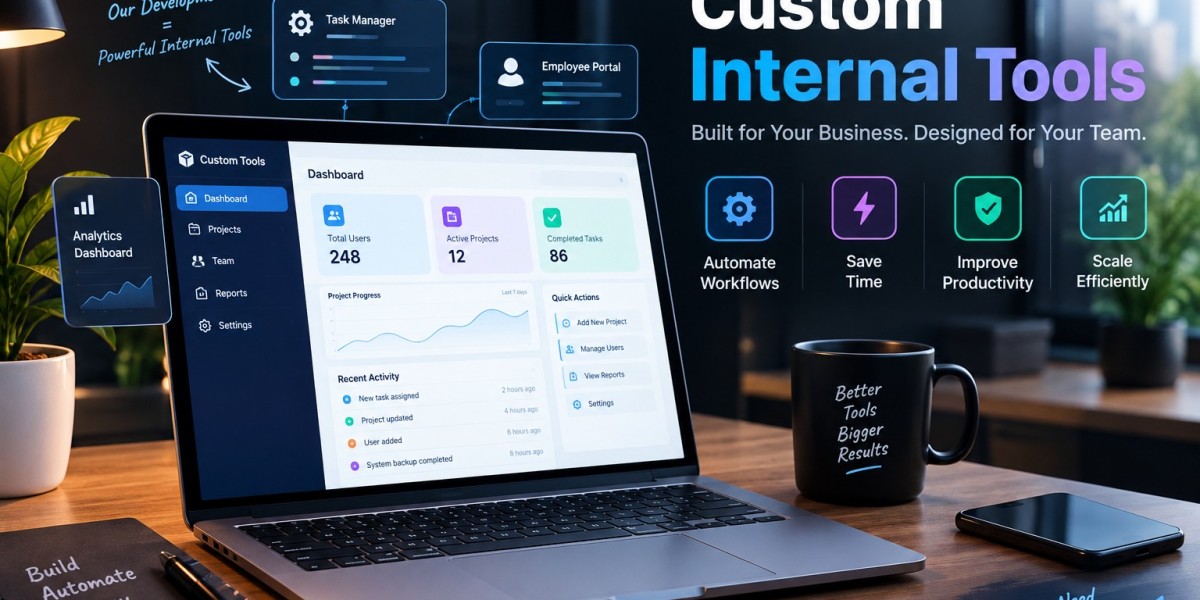

As businesses grow, their internal operations often become more complicated. A process that once required a few manual steps can become difficult when the number of employees, customers, orders, or projects increases.
Spreadsheets, emails, and disconnected applications may no longer provide an efficient way to manage daily work. Custom internal tools can help organizations create structured workflows and automate repetitive activities.
The Problem With Manual Workflows
Manual processes are common in businesses.
Employees may copy information between spreadsheets, send approval emails, create reports, update records, or check multiple systems before completing a task.
Each individual activity may appear small, but together they can consume significant time.
Manual processes can also introduce human errors.
How Custom Tools Support Automation
A custom internal application can automate predefined steps in a workflow.
For example, when an employee submits a request, the system can automatically assign it to the appropriate manager.
After approval, the request can move to another department without requiring employees to manually send messages.
Automation can therefore make processes more consistent.
Automated Approval Systems
Approval workflows are common in organizations.
Expense requests, leave applications, purchase orders, content approvals, and access requests may all require authorization.
A custom approval tool can define who needs to review each request and track its status.
Employees can see whether a request is pending, approved, or requires additional information.
Centralizing Business Information
Information scattered across different files and applications can be difficult to manage.
A custom internal tool can bring relevant information into one interface.
Employees can search records, update information, and review activity without switching between multiple systems.
This can improve visibility and reduce duplicated work.
Real-Time Dashboards
Managers often need current information to monitor operations.
A custom dashboard can display relevant metrics based on data from connected systems.
For example, a sales team could monitor leads, conversions, pending activities, and customer information from a centralized dashboard.
The exact dashboard should be designed according to the organization's reporting needs.
Reducing Data Entry
Repeated data entry is one area where automation can provide significant value.
If the same customer information needs to be entered into several systems, an integrated internal tool may be able to transfer the information automatically.
This can save time and reduce the possibility of inconsistent records.
Supporting Growing Teams
Growth can make informal processes harder to maintain.
When only a few employees are involved, everyone may understand how work gets done.
As the team expands, standardized workflows become more important.
Custom tools can document processes through structured forms, permissions, status fields, and automated notifications.
Role-Based Workflows
Different employees may have different responsibilities.
A custom tool can display different functions based on user roles.
For example, employees may submit requests, managers may approve them, and administrators may manage system settings.
This can keep interfaces focused while supporting appropriate access control.
Notifications and Reminders
Employees can miss important tasks when information is communicated only through email or informal messages.
Internal applications can provide automated notifications and reminders.
For example, a manager could receive a notification when an approval requires attention.
This can help reduce delays in internal processes.
Measuring Workflow Performance
Automation also creates opportunities for measurement.
A business can track how long requests take to complete, where delays occur, and how many tasks remain pending.
This information can help managers identify areas for process improvement.
Start With One Process
Businesses do not need to automate everything at once.
A practical approach is to identify one repetitive process that causes significant friction.
The first version of the internal tool can focus on that process.
After employees begin using it, the company can collect feedback and determine which additional workflows should be included.
Long-Term Benefits
A well-designed internal tool can evolve as the business changes.
New workflows, integrations, reports, and user roles can be added when necessary.
This flexibility can be valuable for organizations whose processes continue to change as they grow.
Conclusion
Custom internal tools can turn complicated manual workflows into structured digital processes.
From automated approvals and notifications to centralized data and real-time dashboards, custom applications can help teams spend less time on repetitive administration and more time on meaningful work.
The most effective approach is to begin with a clearly defined operational problem, design the tool around actual user needs, and expand the system gradually as business requirements evolve.






