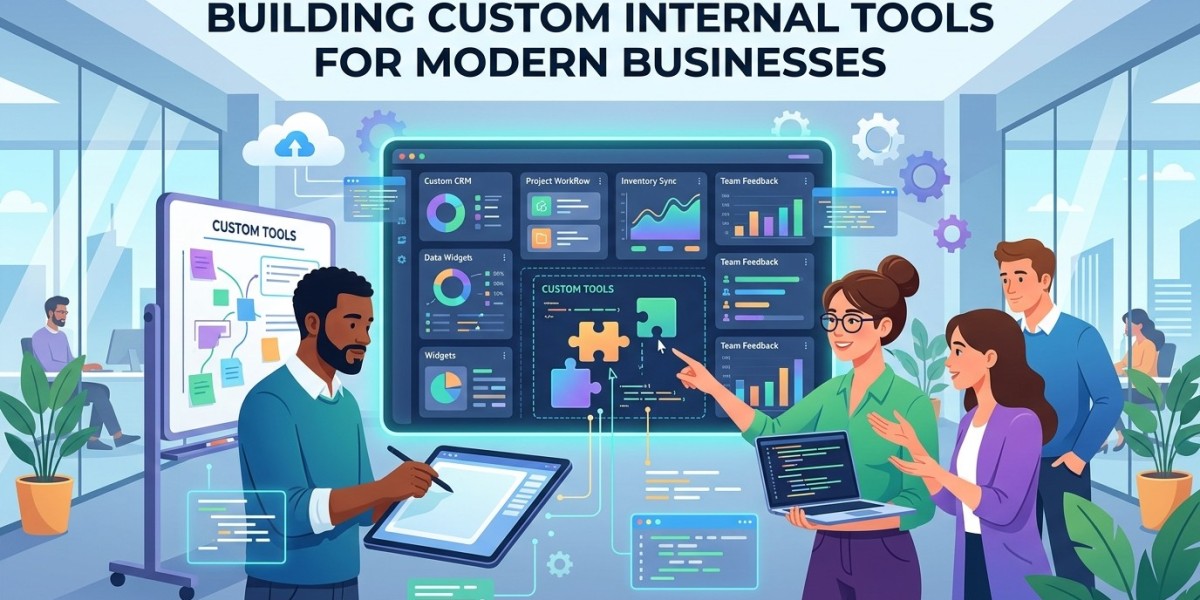

Every business develops its own way of working. Teams create processes for managing customers, handling projects, approving requests, tracking inventory, preparing reports, and completing daily operations.
Over time, these processes can become more complicated. Standard software may not always provide exactly what the organization needs. In such situations, custom internal tools can provide a more tailored approach.
Start With a Clear Problem
Successful internal software development begins with a specific problem.
Instead of starting with a list of technologies, businesses should identify what employees are struggling with.
The problem might involve excessive data entry, slow approvals, scattered information, difficult reporting, or repetitive administrative work.
A clearly defined problem gives developers a practical starting point.
Talk to the People Who Use the Process
Employees who perform a task every day often understand its challenges better than anyone else.
Before development begins, businesses should speak with the intended users.
They can explain which steps take the most time, which information they need, and where errors commonly occur.
This feedback can help shape the application's requirements.
Define the MVP
Building every possible feature at once can make an internal project unnecessarily complicated.
A better approach can be to create a minimum viable product.
The MVP should include the essential features required to solve the primary problem.
Once employees start using the tool, the company can determine which additional features are actually valuable.
Design the User Interface
Internal software should be easy for employees to understand.
The interface should focus on the tasks users need to complete rather than presenting unnecessary options.
Simple navigation, clear forms, useful dashboards, and understandable status information can improve adoption.
Choose the Technology
Technology choices depend on the application's requirements.
Developers may need to consider the database, backend architecture, frontend framework, hosting environment, integrations, authentication, and expected usage.
The technology should support the actual business requirements rather than being selected simply because it is popular.
Plan Integrations
Many internal tools need information from existing systems.
Before development, the team should identify which applications need to communicate with the new tool.
API availability, authentication methods, data formats, and synchronization requirements should all be considered.
Proper integration planning can prevent major technical changes later.
Build With Security in Mind
Security should be part of the application architecture.
Developers should consider authentication, authorization, data protection, input validation, secure integrations, and logging.
Different users may need different permissions, so role-based access can be incorporated where appropriate.
Test With Real Users
Technical testing is important, but user testing is equally valuable.
Employees can test the tool using realistic workflows and identify confusing screens or unnecessary steps.
Their feedback can help developers improve the application before a wider rollout.
Introduce the Tool Gradually
A new internal application can change how employees perform their daily work.
Rolling it out gradually can make the transition easier.
The organization can start with a small group of users, collect feedback, resolve problems, and then expand access.
Training and documentation can also help employees understand the new workflow.
Monitor Performance
After launch, businesses should monitor the application's performance.
They may need to track errors, response times, usage patterns, and system reliability.
This information can reveal areas that require improvement.
Maintenance Is Part of Development
An internal tool should not be considered finished immediately after launch.
Businesses may change their processes, add new departments, introduce new software, or require additional reports.
The application may therefore need regular updates.
Maintenance can include bug fixes, security updates, performance improvements, and new features.
Measuring Success
The success of a custom internal tool should be measured against the original problem.
For example, if the goal was to reduce manual data entry, the business can compare the amount of manual work before and after implementation.
If the goal was to improve approvals, the organization can examine workflow completion times.
Specific measurements can provide useful evidence about whether the tool is delivering value.
Long-Term Scalability
A successful internal application may eventually become important to multiple departments.
The architecture should therefore be capable of supporting reasonable future growth.
Businesses should think about additional users, larger datasets, new integrations, and future workflows when planning the system.
Conclusion
Building custom internal tools is a process that begins with understanding a real business problem.
From user research and MVP planning to interface design, integrations, security, testing, deployment, and maintenance, each stage contributes to the quality of the final solution.
A successful internal tool does not need to be complicated. It needs to solve a meaningful problem, fit naturally into existing workflows, and provide enough flexibility to evolve as the organization grows.






